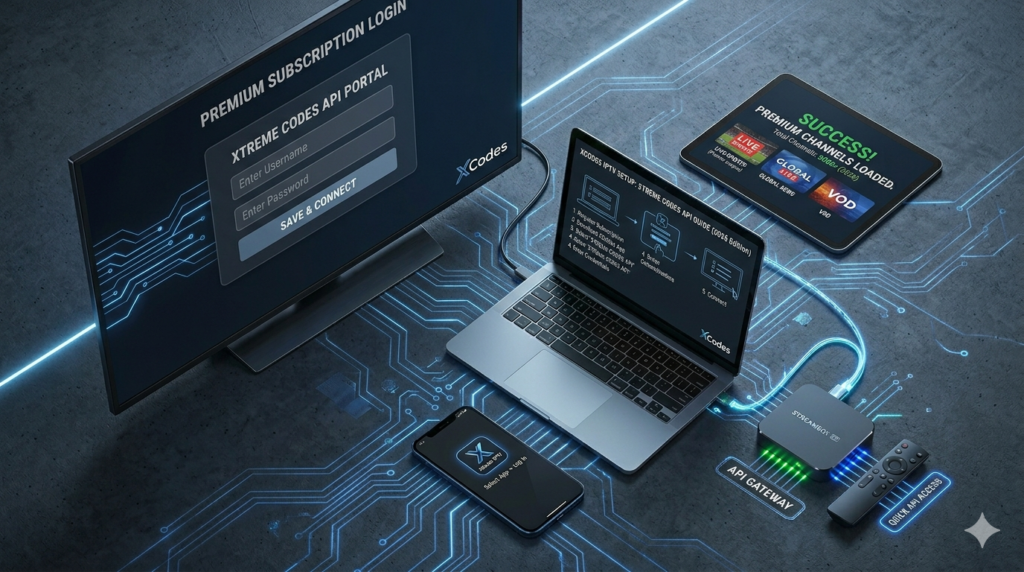
XCodes IPTV: How to Setup Your Premium Subscription via Xtreme Codes API (2026 Guide)
Introduction: The Shift to Xtreme Codes Technology
In the rapidly evolving world of digital streaming, the way we access content has moved far beyond traditional cable boxes. For cord-cutters in the USA, the term XCodes IPTV (referring to the Xtreme Codes API) has become synonymous with stability, speed, and a premium user interface. If you have ever struggled with massive, unstable M3U files that take forever to load, switching to an Xtreme Codes-based system is the best decision you can make for your home entertainment setup in 2026. This guide will dive deep into everything you need to know about setting up and optimizing your XCodes IPTV experience.
What Exactly is XCodes IPTV (Xtreme Codes API)?
To understand XCodes IPTV, we first need to understand the Xtreme Codes API. An API (Application Programming Interface) is a set of protocols that allows different software programs to communicate with each other. In the context of IPTV, instead of your player app trying to “read” a static text file (M3U), it “talks” directly to the provider’s database.
When you use an XCodes IPTV login, you are provided with three critical pieces of data:
- The Server URL: The digital address of the streaming server (e.g.,
[http://premium-provider.com:8080](http://premium-provider.com:8080)). - Username: Your unique identifier.
- Password: Your secure access key.
Why XCodes IPTV is the Superior Choice for US Streamers
Why are thousands of users in the USA moving away from M3U and towards XCodes IPTV? The reasons are rooted in technology and convenience.
1. Instant Content Synchronization
With a traditional M3U link, if your provider adds a new movie or changes a channel frequency, you often have to refresh or re-download the link. With XCodes IPTV, the synchronization is instant. Every time you open your app, it fetches the latest database updates from the server.
2. Superior EPG (Electronic Program Guide)
One of the biggest complaints about IPTV is a missing or broken TV guide. Xtreme Codes API integrates the EPG data directly into the login stream. This means you get full channel logos, program schedules, and even show descriptions without needing a separate EPG URL.
3. Efficient Loading and Low Latency
M3U files can be massive, sometimes containing over 50,000 lines of text. This causes many apps to crash or lag during startup. XCodes IPTV only requests the data you are currently viewing, which significantly reduces the load on your Firestick or Smart TV’s processor.
Comprehensive Setup Guide for XCodes IPTV
How to Install on Amazon Firestick and Android Boxes
The Firestick is the most popular device in the USA for XCodes IPTV. To get started:
- Download a Player: Use the Downloader app to install TiviMate or IPTV Smarters Pro.
- Select Login Method: Choose “Login with Xtreme Codes API.”
- Enter Credentials: Carefully type in your URL, Username, and Password.
- Wait for Download: The app will take a moment to “Process Channels” and “Process VOD.” Once finished, your library is ready.
How to Install on Smart TVs (Samsung & LG)
For users who don’t want extra hardware, many Smart TV apps now support XCodes. Apps like Bay TV, IBO Player, or the classic IPTV Smarters allow you to enter your XCodes IPTV URL directly into the TV’s interface. However, for the best performance, a dedicated Android box like the Nvidia Shield is always recommended.
Troubleshooting Common XCodes IPTV Errors
1. “Login Failed” or “Authorization Error”
This is usually not a server issue but a typing error. Remember, XCodes IPTV credentials are case-sensitive. A common mistake is including http:// twice in the URL box or adding a space at the end of the password.
2. The Infamous “Check Your Internet Connection”
If you are sure your internet is working but your XCodes IPTV won’t load, your ISP (Comcast, Spectrum, Cox) might be blocking the server’s DNS. This is very common in the USA. The fix? A high-quality VPN. By encrypting your traffic, the ISP cannot see that you are connecting to an IPTV server, and the block is bypassed.
3. Data Processing Loops
If your app gets stuck on “Downloading Channels,” it might be a cache issue. Go to your device settings, find the IPTV app, and select “Clear Cache.” Do not “Clear Data” unless you want to re-type your login details.
Where to Find a Verified XCodes IPTV URL?
The market is flooded with low-quality providers. If you want a stable XCodes IPTV experience with 4K support and no buffering, you must choose a provider with a private CDN.
Expert Recommendation: Stop wasting time with unstable links. [Get Your Premium XCodes IPTV Credentials Here]. We offer a specialized Xtreme Codes API that is optimized for US-based viewers, ensuring 99.9% uptime for all major sports and movie networks.
Security First: The Role of a VPN in 2026
In 2026, streaming privacy is more important than ever. When you use an XCodes IPTV URL, your IP address is visible to the server and potentially to your ISP. Using a VPN ensures:
- No Throttling: ISPs cannot slow down your speed during NFL games.
- Anonymity: Your personal IP is masked by the VPN server.
- Bypass Geoblocks: Access content that is usually restricted to other regions.
Conclusion: Elevate Your Streaming Experience
XCodes IPTV is more than just a login method; it is a gateway to a professional, cable-like experience without the massive monthly bill. By utilizing the Xtreme Codes API, you gain speed, organization, and a level of reliability that traditional M3U playlists simply cannot provide.
Don’t settle for mediocre streaming. [Contact us now for a 24-hour XCodes IPTV Free Trial] and see the difference in quality and performance for yourself!